Request a collection

Collection enquiries from across Sri Lanka. Coverage, pricing and data options are confirmed individually.

What we collect

We focus on computers. Nothing unnecessary.

Our collection programme is specifically for used, outdated, damaged or unwanted laptops and computer systems in Sri Lanka.

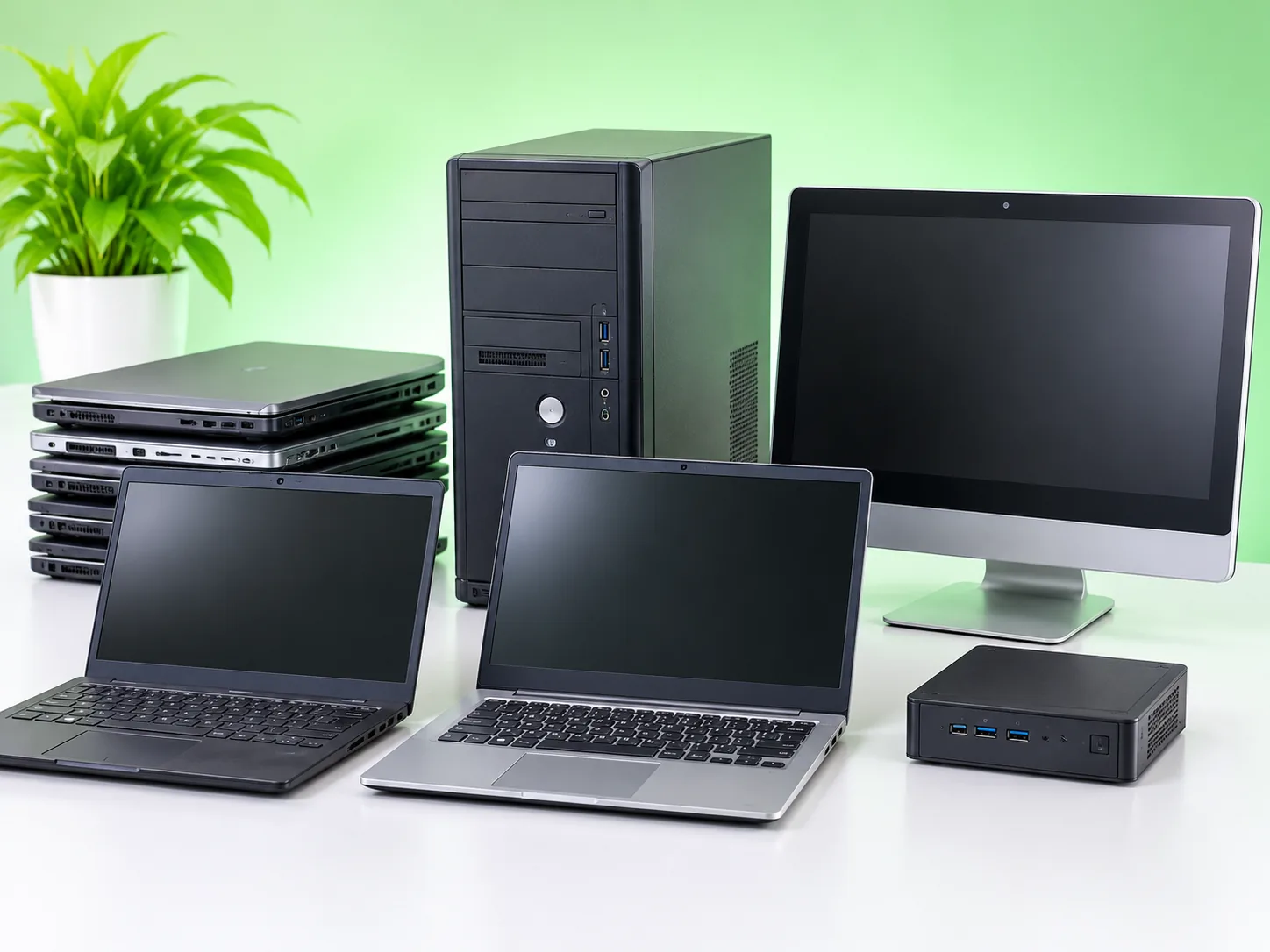
Old laptops, a desktop tower, an all-in-one computer and a mini PC arranged on a white desk

What you can enquire about

Working, faulty and outdated computers may all be considered. Tell us what you have and we will confirm the options.

Laptops and notebooks

Personal, student and business laptops, including older notebook computers and portable workstations.

  • Personal and family laptops
  • Student and business laptops
  • Older notebooks and portable workstations
  • Working, faulty or outdated
Enquire about laptops

Desktop computers and PCs

Desktop towers, office PCs, small-form-factor and mini PCs, and all-in-one computer systems.

  • Desktop towers and office PCs
  • Small-form-factor and mini PCs
  • All-in-one computer systems
  • Retired desktop fleets from offices
Enquire about desktop PCs

Collection scope

We are not advertising collection of these items.

  • Televisions
  • Mobile phones
  • Printers
  • Appliances
  • Loose batteries

Have related accessories or standalone parts? Ask us first rather than including them automatically.

Who can contact us

One computer or a whole office of them. Every enquiry is reviewed individually.

Households and individuals

Personal laptops, family PCs and unused computers in storage.

Businesses and offices

Equipment replacement, office upgrades and retired desktop fleets.

Schools and education providers

Outdated student or staff computer equipment.

Institutions and organisations

Bulk computer disposal enquiries that need careful coordination.

Before handover

A few minutes of preparation protects your information and helps us confirm the right arrangement.

Send your equipment details

  1. Back up important files

    Copy documents, photos and essential business information to a trusted storage service or external device.

  2. Review accounts and storage

    Sign out of relevant accounts, note device passwords and discuss whether a storage drive should be removed or securely erased.

  3. Describe the equipment

    Tell us the approximate number of units, device type, condition and whether data-security documentation is needed.

Data privacy and security

Your computer can go. Your data should not.

A computer may be unwanted, but the information stored inside it still matters. Privacy belongs in the plan before any device changes hands.

Four sensible safeguards

  1. Identify the device and its data

    Confirm whether the computer contains an HDD, SSD or other storage media, and whether it holds personal or confidential information.

  2. Choose a suitable data option

    The owner may remove and retain the drive, undertake their own verified erasure, or request an available specialist data-sanitisation solution.

  3. Agree on handling and records

    For organisations, discuss device lists, transfer records, access restrictions and required evidence before handover.

  4. Confirm the onward route

    Reuse, refurbishment or recycling is considered only after the agreed data-security steps and necessary lawful processing arrangements are in place.

Privacy is a decision, not an afterthought.

Old laptops and PCs can still hold banking details, passwords, photographs, company records and customer information. Deleting files or performing a simple factory reset may not fully protect every type of storage device.

Iconic Global Holdings aims to make storage and data-handling requirements clear before equipment is accepted. Available services and any third-party arrangements are discussed case by case rather than assumed.

Business and institutional requests

Retiring equipment at scale? Agree the paperwork before the pickup.

Device inventory

Agree whether serial numbers, asset tags or quantities must be recorded.

Chain of custody

Consider documented handover and tracking arrangements proportionate to sensitivity.

Written scope

Clarify who performs erasure, which methods apply and what evidence will be provided, if any.

Discuss your data requirements before handover.Tell us about your devices and any record-keeping your organisation needs.

Discuss data requirements

Common questions

Can't see yours? Send it with your enquiry or ask us on WhatsApp.

Can I submit a broken laptop or PC?

Yes, you can enquire about non-working computers. Acceptance depends on condition and handling arrangements.

Do you collect from anywhere in Sri Lanka?

Tell us your city or district. We will confirm whether collection, drop-off or another arrangement is available in your area.

Is collection free, or do you buy computers?

There is no blanket pricing promise. Any fee, purchase offer, transport cost or minimum quantity is confirmed after reviewing your equipment and location.

Can businesses request bulk collection?

Yes. Include estimated quantities, device types, location and any device-record or data-handling requirements in your enquiry.

What happens to the information on my computer?

Discuss your requirements before handover. Suitable erasure, drive removal or specialist arrangements must be agreed before a device is accepted.

Can I include chargers, keyboards or other parts?

Ask us first rather than including related accessories or standalone parts automatically. We will tell you what can be accepted with your computers.

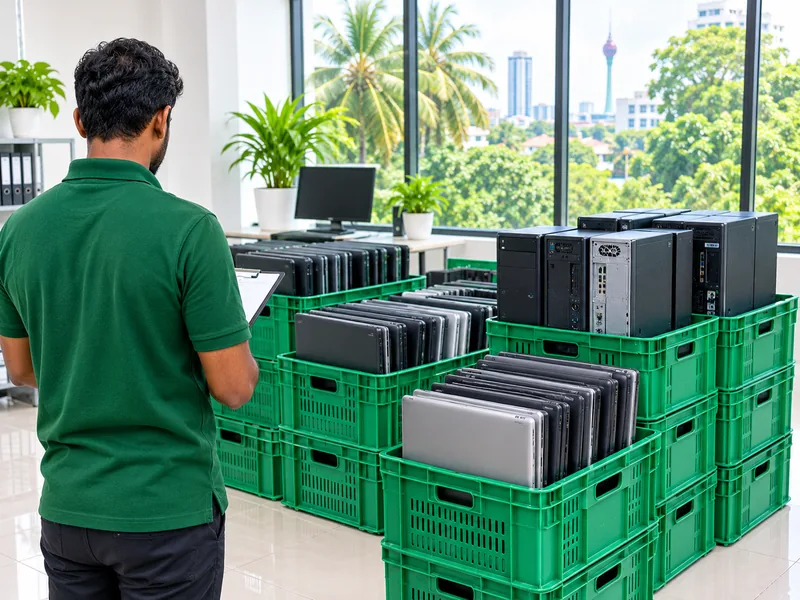
Old laptops and desktop computers packed in green crates in a Colombo office

Tell us what you have.

Share the basics and we will discuss whether collection can be arranged.

WhatsApp us